
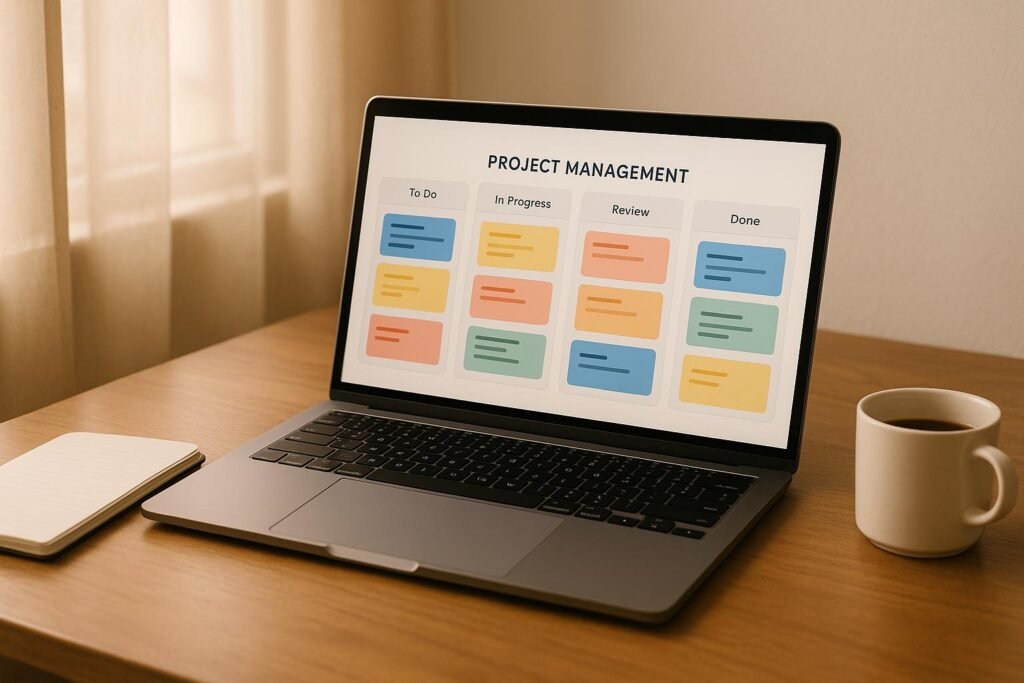

Running a solo business can be overwhelming, especially when managing multiple projects on a tight budget. Thankfully, there are free project management tools tailored for solopreneurs that help you stay organised, meet deadlines, and manage tasks efficiently – without spending a rupee. This guide highlights 10 such tools, each offering unique features to suit different needs.
Key Takeaways:
- Notion: All-in-one workspace for managing projects, notes, and databases. Free plan includes unlimited personal pages but limits file uploads to 5MB.
- Trello: Visual Kanban boards for task tracking. Free plan supports unlimited personal boards but caps file uploads at 10MB.
- Asana: Task and workflow management with unlimited projects. Free for up to 15 users but lacks advanced timeline editing.
- ClickUp: Feature-rich with customisable views and unlimited projects. Free plan includes 100MB storage.
- Monday.com: Visual workflows for small teams. Free plan limited to 3 boards and 500MB storage.
- Todoist: Simple task manager with natural language input. Great for personal productivity.
- Airtable: Combines spreadsheets and databases for data-heavy projects. Free plan includes 2GB storage and 1,200 records per base.
- Linear: Designed for developers, offering issue tracking and sprint planning. Free plan includes unlimited projects but limited customisation.
- Microsoft To Do: Basic task management integrated with Microsoft apps. Free for unlimited personal use.
- Zoho Projects: Ideal for client project management with 10GB storage and up to 3 projects on the free plan.
Quick Comparison:
| Tool | Free Users | Free Projects | Storage | Key Feature | Best For |
|---|---|---|---|---|---|
| Notion | Unlimited | Unlimited | 5MB/file | All-in-one workspace | Content creators, consultants |
| Trello | 10 | Unlimited | 10MB/file | Visual Kanban boards | Visual task tracking |
| Asana | 15 | Unlimited | 100MB total | Task dependencies | Team collaboration |
| ClickUp | Unlimited | Unlimited | 100MB | Customisable views | Feature-rich management |
| Monday.com | 2 | 3 boards | 500MB | Visual workflows | Simple project tracking |
| Todoist | 1 | 5 projects | Unlimited | Natural language tasks | Personal productivity |
| Airtable | Unlimited | Unlimited | 2GB | Database functionality | Data-heavy projects |
| Linear | Unlimited | Unlimited | Limited | Issue tracking | Technical projects |
| Microsoft To Do | Unlimited | Unlimited | 5GB | Microsoft ecosystem | Simple task lists |
| Zoho Projects | 5 | 3 | 10GB | Business suite integration | Client project management |
How to Choose:
- For simple task management: Try Todoist or Microsoft To Do.
- For visual project tracking: Trello or Monday.com works well.
- For feature-rich tools: Consider ClickUp or Asana.
- For data-heavy needs: Airtable is a solid choice.
- For developers: Linear is tailored for technical workflows.
Explore these tools to find the one that fits your workflow, and start managing your projects with ease.
The 10 Best FREE Project Management Tools For 2025
What Makes a Good Free Project Management Tool
When it comes to free project management tools, not all are built the same. Many so-called "free plans" are actually limited trials, making them unsuitable for long-term use. Here’s what sets genuinely useful free tools apart from those that fall short.
For solopreneurs, these features are crucial to ensure the tool can seamlessly adapt to your workflow and grow with your needs.
Permanently Free Access is a must. A good tool should offer a free tier that doesn’t vanish after a few weeks. This way, you can confidently structure your workflow without worrying about losing access or being forced into a paid plan. Temporary trials, no matter how feature-packed, don’t make the cut.
Another key factor is Multi-Project Support. A free plan should allow you to manage at least 2-3 active projects at the same time. A tool that restricts you to just one project isn’t practical for solo entrepreneurs juggling multiple responsibilities.
Mobile App Functionality is non-negotiable in today’s fast-paced work environment. A solid mobile app should go beyond basic task viewing, enabling you to create, edit, and manage projects directly from your phone, ensuring productivity even on the go.
A Solo-Friendly Interface is also essential. Many project management tools are built with large teams in mind, which can make them unnecessarily complex for individual users. The best tools for solopreneurs strike the perfect balance – offering robust features while keeping the interface simple and easy to navigate.
Basic Integration Capabilities are another must-have. The tool should connect with essential business apps like Gmail, Google Drive, or Slack. These integrations help streamline your workflow and boost productivity without requiring extra effort.
Lastly, Adequate Storage and User Limits are critical. Free plans that impose tight restrictions on file uploads or the number of tasks you can create aren’t practical for real business needs. The tools worth considering provide enough resources to support solo operations without forcing you into immediate upgrades.
1. Notion
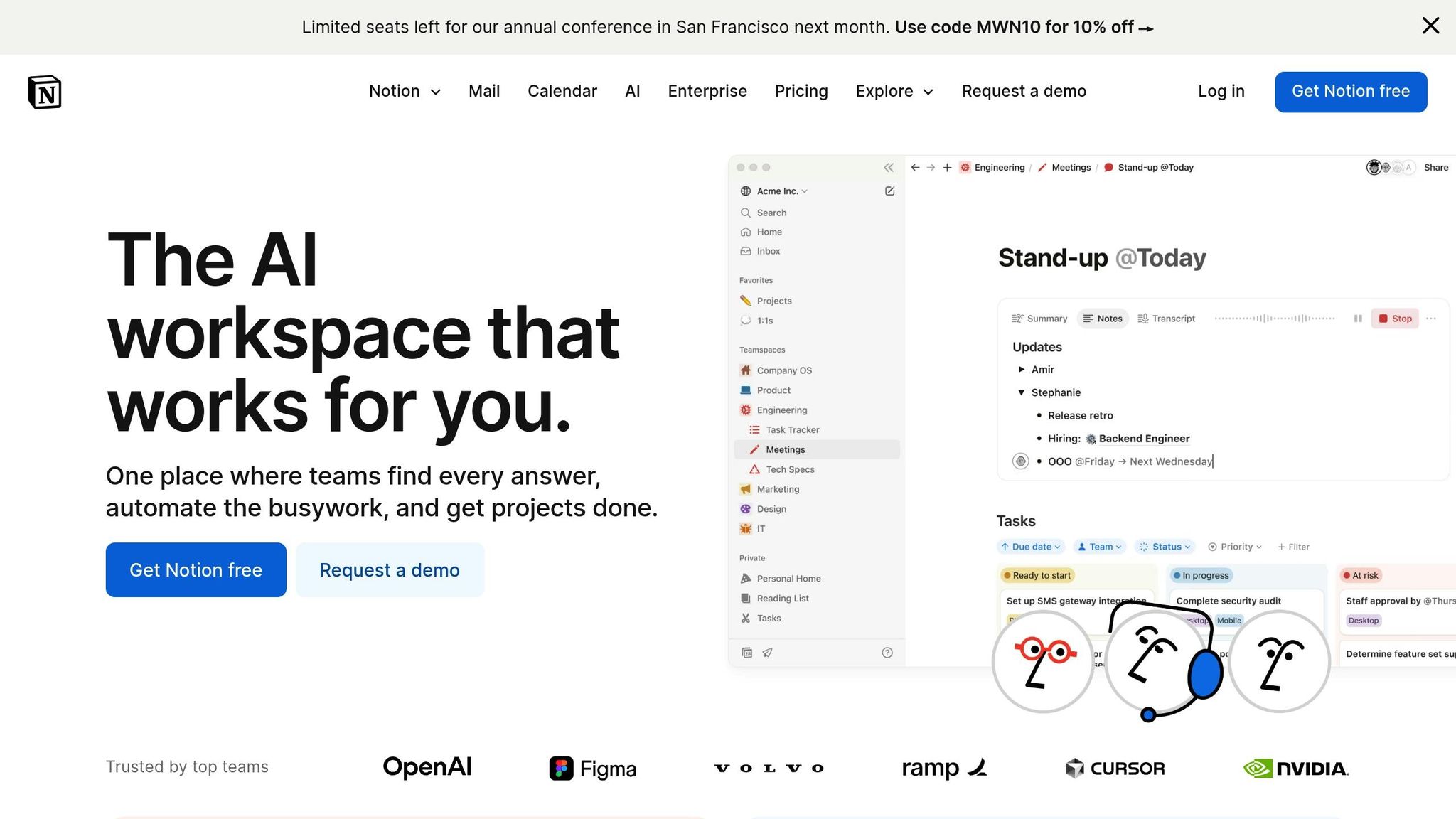
For solo entrepreneurs looking for a versatile tool to handle everything in one place, Notion is a solid choice.
It’s an all-in-one workspace designed to help solopreneurs manage projects, notes, and databases seamlessly.
Whether you’re a content creator, consultant, or knowledge worker, Notion offers a centralised hub to organise project details and client information efficiently.
The free plan is generous, offering unlimited personal pages and blocks. It comes packed with useful features like customisable databases and a block-based editor that supports kanban boards, calendars, and rich text notes.
Plus, its library of templates – ranging from content calendars to client management and goal tracking – makes setting up workflows a breeze.
The mobile app and web clipper add convenience, enabling productivity even when you’re on the move. That said, free users might encounter a few restrictions.
While many solopreneurs appreciate Notion’s user-friendly design and adaptability for both simple and complex tasks, the free tier does have its constraints.
For instance, there’s a 5MB upload limit per file, version history is only available for 7 days, and features like advanced permissions and guest collaboration are missing from the free plan.
If you need more flexibility, the paid plans start at ₹665/month (billed annually).
These unlock perks like unlimited file uploads, extended version history, and enhanced collaboration tools, making them ideal for users who require more advanced capabilities.
2. Trello
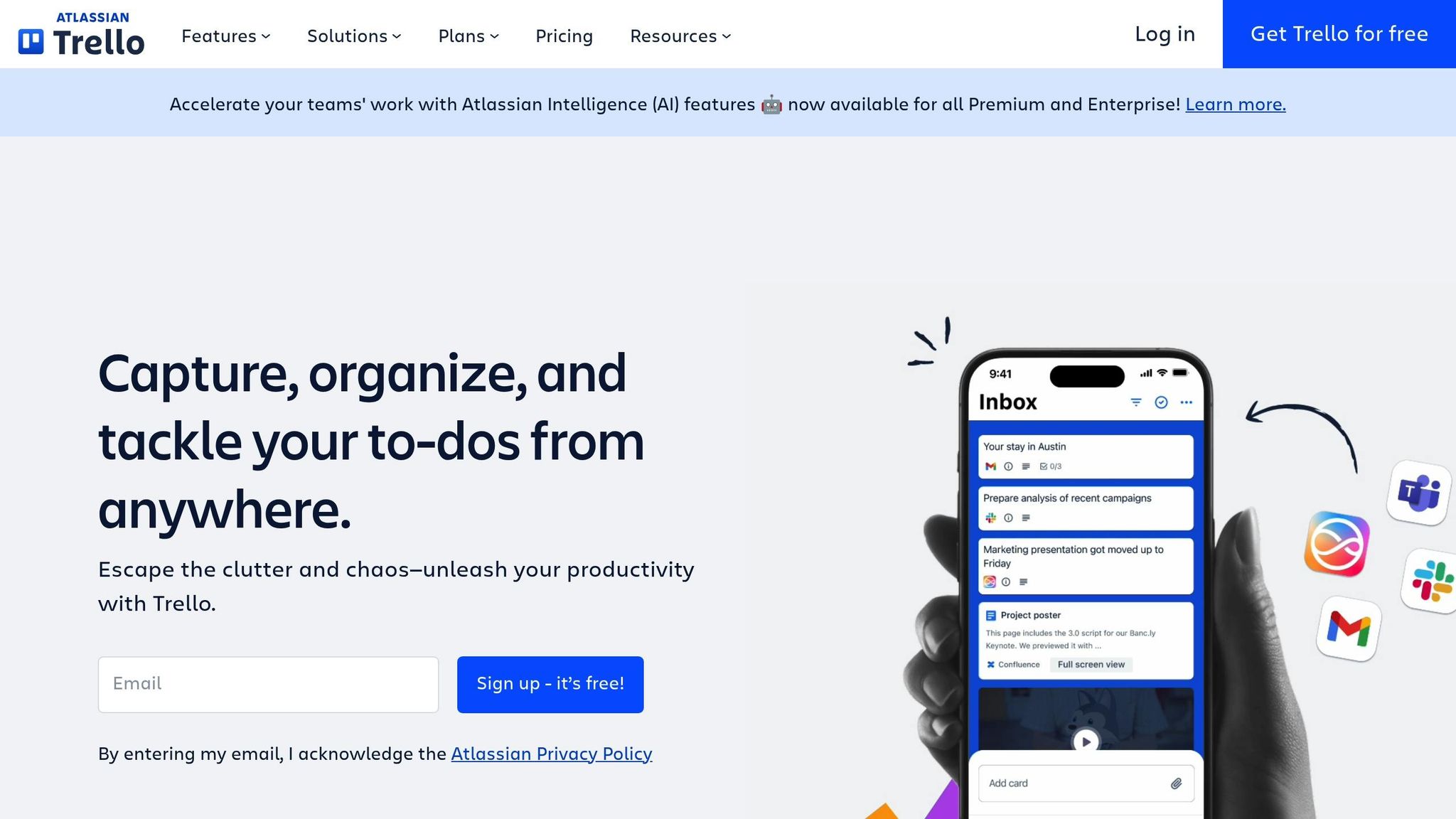
Trello is a straightforward and visually appealing project management tool, especially suited for solopreneurs.
Its kanban-style system uses a drag-and-drop interface, allowing you to organise tasks into boards, lists, and cards – almost like moving sticky notes on a virtual board.
Each board represents a project, lists outline different stages (like "To Do", "In Progress", and "Done"), and cards hold individual tasks.
Whether you’re coordinating client work, managing content schedules, or planning product launches, Trello’s visual layout helps you keep track of everything with ease.
The platform’s simplicity makes it ideal for breaking down projects into smaller, manageable parts. This is particularly helpful for solopreneurs handling multiple clients, as it avoids unnecessary complexity.
Free User Limit
Trello’s free plan supports up to 10 team members per workspace, making it flexible enough for collaboration when needed. It also offers unlimited personal boards, which is perfect for solo users managing various projects or personal tasks.
Free Project Limit
One standout feature of Trello’s free plan is the unlimited number of boards you can create. This means you can dedicate separate boards to each client, project, or even personal goals without worrying about hitting a limit.
Unlike many other tools that restrict free users to just a few projects, Trello gives you the freedom to organise your work however you like.
Key Features for Solopreneurs
Trello’s free plan includes unlimited boards and supports one Power-Up per board.
Power-Ups let you integrate essential tools like Google Drive for file storage, calendar views, or time tracking.
Trello’s mobile apps for iOS and Android make it easy to update tasks, check progress, or add new items on the go – whether you’re meeting a client or working remotely.
Additional features like due dates, checklists, labels, and filters help break tasks into actionable steps while keeping priorities clear. The activity feed provides a quick overview of recent updates, so you’re always in the loop.
Limitations of Free Plan
The free plan does come with some restrictions. File attachments are capped at 10MB, which can be limiting if you need to share larger files.
Features like advanced checklists, calendar view, and board templates – which could save time during project setup – are not included in the free tier.
Additionally, Butler automation, Trello’s workflow automation tool, is restricted to a limited number of commands per month.
These limitations might prompt you to consider upgrading as your needs grow.
Paid plans start at ₹415 per user per month (billed annually) and offer benefits like unlimited Power-Ups, larger file attachment limits, and advanced features such as timeline views and custom fields – ideal for solopreneurs looking to scale up their operations.
3. Asana

Asana is a task and workflow management tool designed to combine ease of use with powerful organisational features.
It offers a variety of project views – like lists, boards, calendars, and timelines – making it a flexible choice for solopreneurs juggling multiple responsibilities.
Whether you’re working on client projects, managing content workflows, or planning marketing campaigns, Asana can adapt to your needs.
One of its standout features is the ability to break down large projects into smaller, actionable tasks and subtasks.
You can assign due dates, set priorities, and establish task dependencies, helping you stay organised.
The My Tasks view gathers all your assignments across projects into a single, streamlined agenda, so you won’t need to jump between different boards to figure out your day.
Free User Limit
With Asana’s free plan, you can collaborate with up to 15 users, making it perfect for working with clients, contractors, or virtual assistants without worrying about exceeding user limits.
Free Project Limit
The free plan also allows for unlimited projects, which is great for solopreneurs managing a variety of workstreams. You can create separate projects for each aspect of your business without having to combine unrelated tasks, keeping everything well-organised.
Key Features for Solopreneurs
Asana’s free plan includes unlimited tasks and subtasks, a calendar view to track deadlines, and a read-only timeline to visualise task dependencies.
The inbox feature consolidates updates, comments, and notifications into one space, so you can stay informed without sifting through multiple channels.
For solopreneurs on the move, Asana’s mobile apps for iOS and Android allow you to manage tasks and projects from anywhere. Plus, basic integrations with tools like Google Workspace and Slack help centralise your workflow, ensuring smoother operations. These features make Asana an attractive option for those seeking a free yet versatile tool.
Limitations of the Free Plan
That said, the free plan does have some limitations. The timeline view is restricted to read-only, meaning you can’t make edits to project timelines. Features such as advanced search, custom fields, forms, dashboards, and portfolio views are also not included.
Additionally, file attachments are capped at 100MB, and advanced integrations or automation tools are only available with paid plans. Upgrading unlocks features like unlimited timeline editing, advanced reporting, custom fields, and more, offering greater flexibility for growing businesses.
4. ClickUp
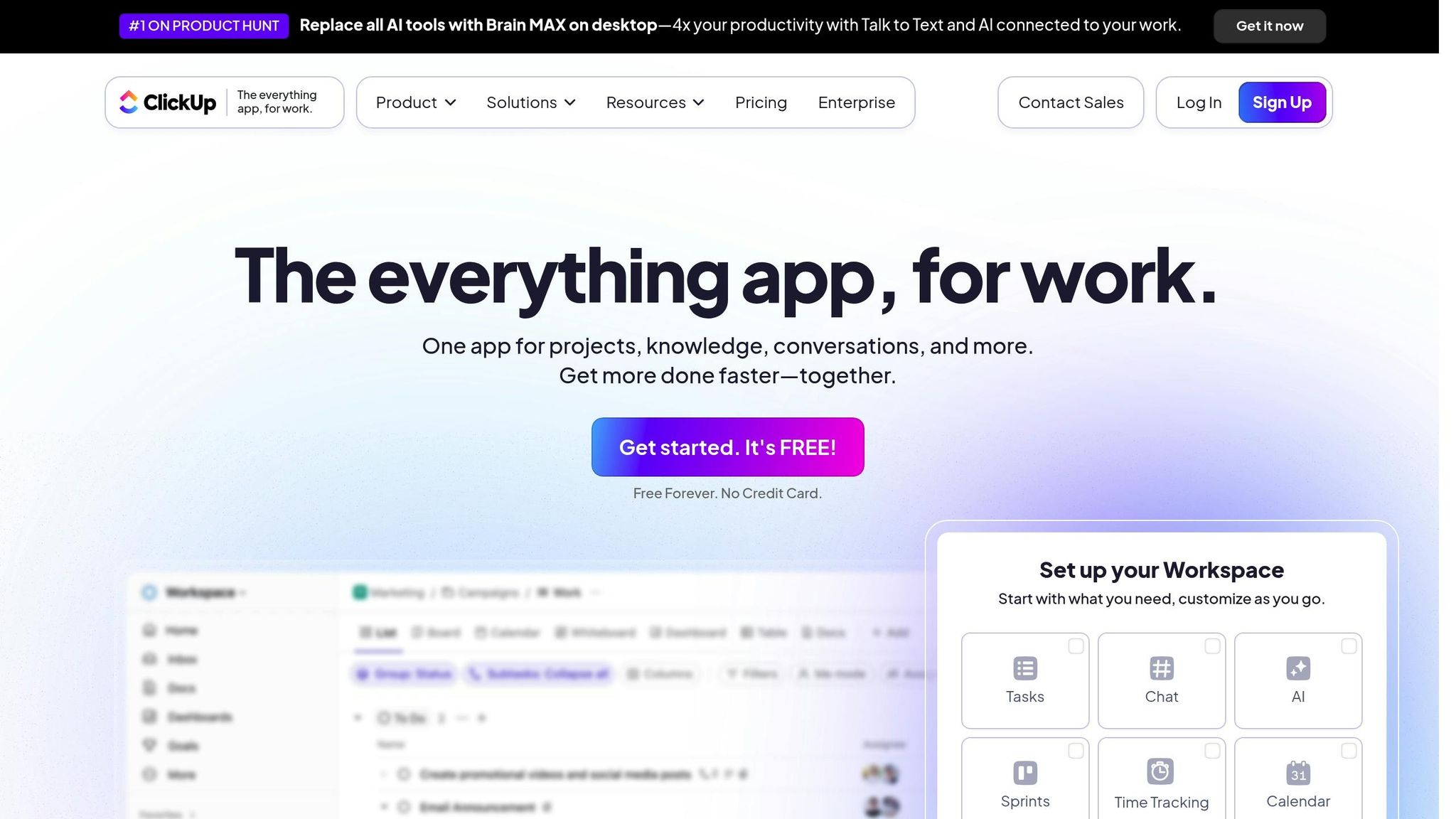
ClickUp is an all-in-one workspace designed to bring together various productivity tools under one roof.
This project management platform offers a wide range of features, even in its free plan, making it a popular choice for solopreneurs seeking robust functionality without spending a rupee.
Whether it’s task management, time tracking, document creation, or setting goals, ClickUp offers tools to handle diverse work requirements. This versatility gives it an edge over simpler task managers.
What makes ClickUp stand out is its customisation. You can toggle between views like lists, boards, calendars, and timelines, depending on the project’s needs.
For instance, you can manage a content calendar in board view, track client deliverables on a timeline, and organise daily tasks in a list – all within the same platform.
Free User Limit
One of ClickUp’s biggest advantages is its unlimited user support on the free plan. This is especially helpful if you collaborate with clients, freelancers, or part-time team members, as you won’t have to worry about user caps.
Free Project Limit
The free tier also includes unlimited tasks and projects, allowing you to create dedicated spaces for different clients or business areas. This keeps your workspace organised and focused, no matter how many projects you’re juggling.
Key Features for Solopreneurs
ClickUp’s free plan packs a lot of punch for solo entrepreneurs. It provides 100MB of storage, multiple project views, basic time tracking, and calendar integration.
The Goals feature is particularly useful for setting and tracking business milestones, while the built-in Docs tool lets you draft and store important project files without needing external apps. Integrated time tracking helps you monitor task durations, which is a game-changer for billing clients by the hour. With mobile apps and integrations like Google Workspace and Slack, you can stay on top of your workflow even when you’re on the move. Plus, the inbox consolidates updates and notifications, ensuring you never miss a critical change.
Limitations of the Free Plan
While the free plan offers plenty, it does come with some constraints. The 100MB storage limit can fill up fast if you frequently upload files. Advanced features like custom fields, automation, detailed reporting, and extended integrations are part of ClickUp’s paid plans. The free tier also lacks portfolio views and advanced time tracking, which might become essential as your business grows. Guest access is limited, and premium features like priority support and enhanced security are unavailable unless you upgrade to a paid plan.
5. Monday.com
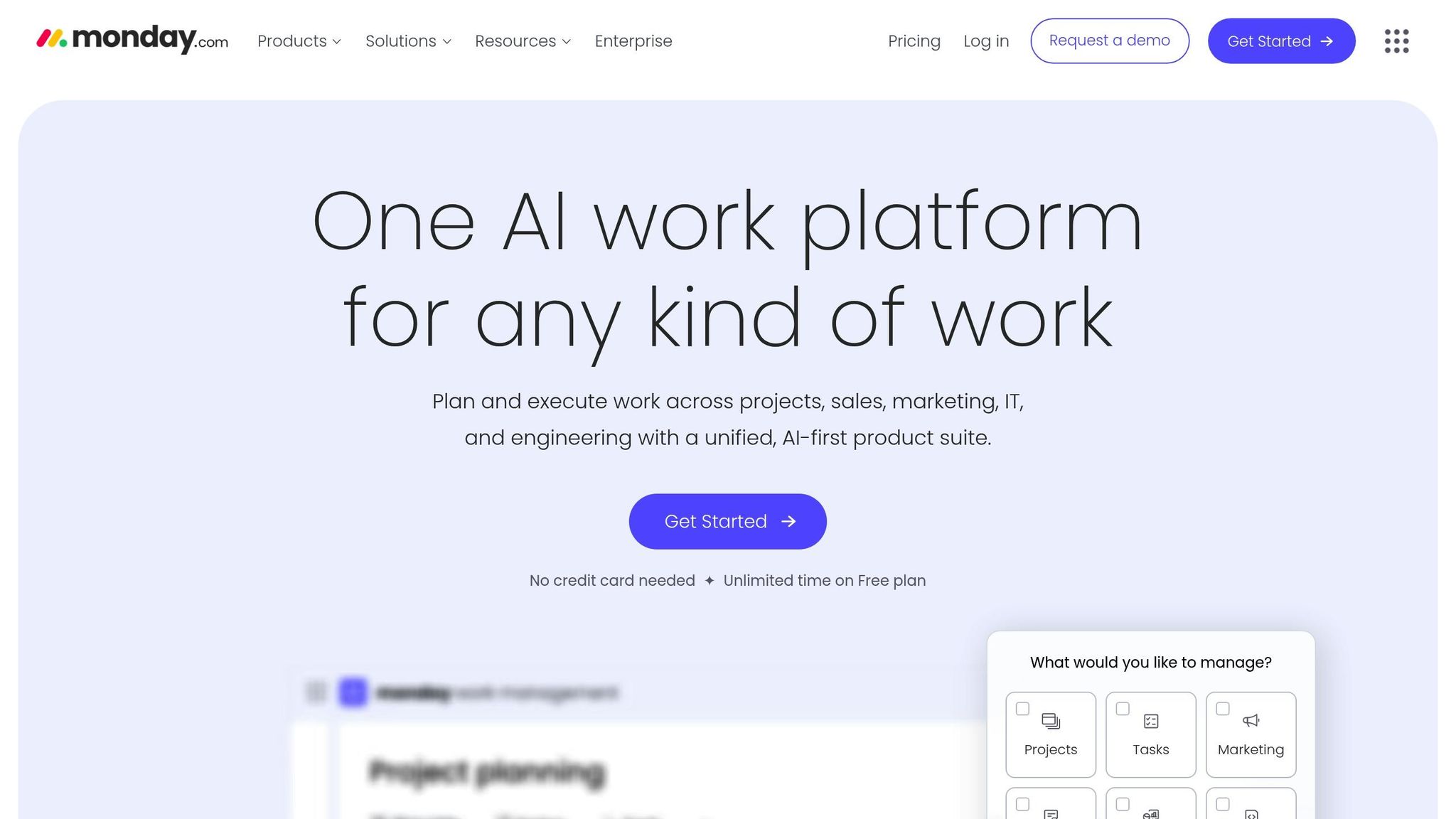
Monday.com provides a permanently free plan designed for solo professionals and small teams who need a simple, visual way to manage projects. This plan supports up to 2 users, allows the creation of 3 boards, and offers 500MB of storage. It’s a great choice for freelancers handling basic projects or organising daily tasks. Here’s a closer look at what the free plan offers and how it can benefit solo entrepreneurs.
Best For
Freelancers and solopreneurs who need an easy-to-use tool for managing everyday tasks and small-scale projects.
Key Features
- Customisable visual boards to track task status, deadlines, and priorities with ease
- Timeline view for mapping project schedules and understanding dependencies
- Mobile apps for iOS and Android, enabling task management on the go
- Basic integrations with tools like Google Workspace and Outlook
- File sharing and commenting to collaborate with clients or team members
- Activity log to monitor updates and changes in real time
Monday.com’s strength lies in its visually appealing organisation system. Colour-coded boards and progress indicators make it easier to track work at a glance, ideal for those who prefer visuals over text-heavy task lists.
Limitations of Free Plan
The free plan is limited to 3 boards and 2 users, which might not suffice as your business expands. Features like automation, time tracking, advanced analytics, and premium integrations are only available with paid plans, starting at ₹665 per user per month.
For individuals looking for a straightforward, no-cost tool to organise their work visually, Monday.com is a solid option. Plus, it offers the flexibility to scale up when you need more advanced features.
6. Todoist
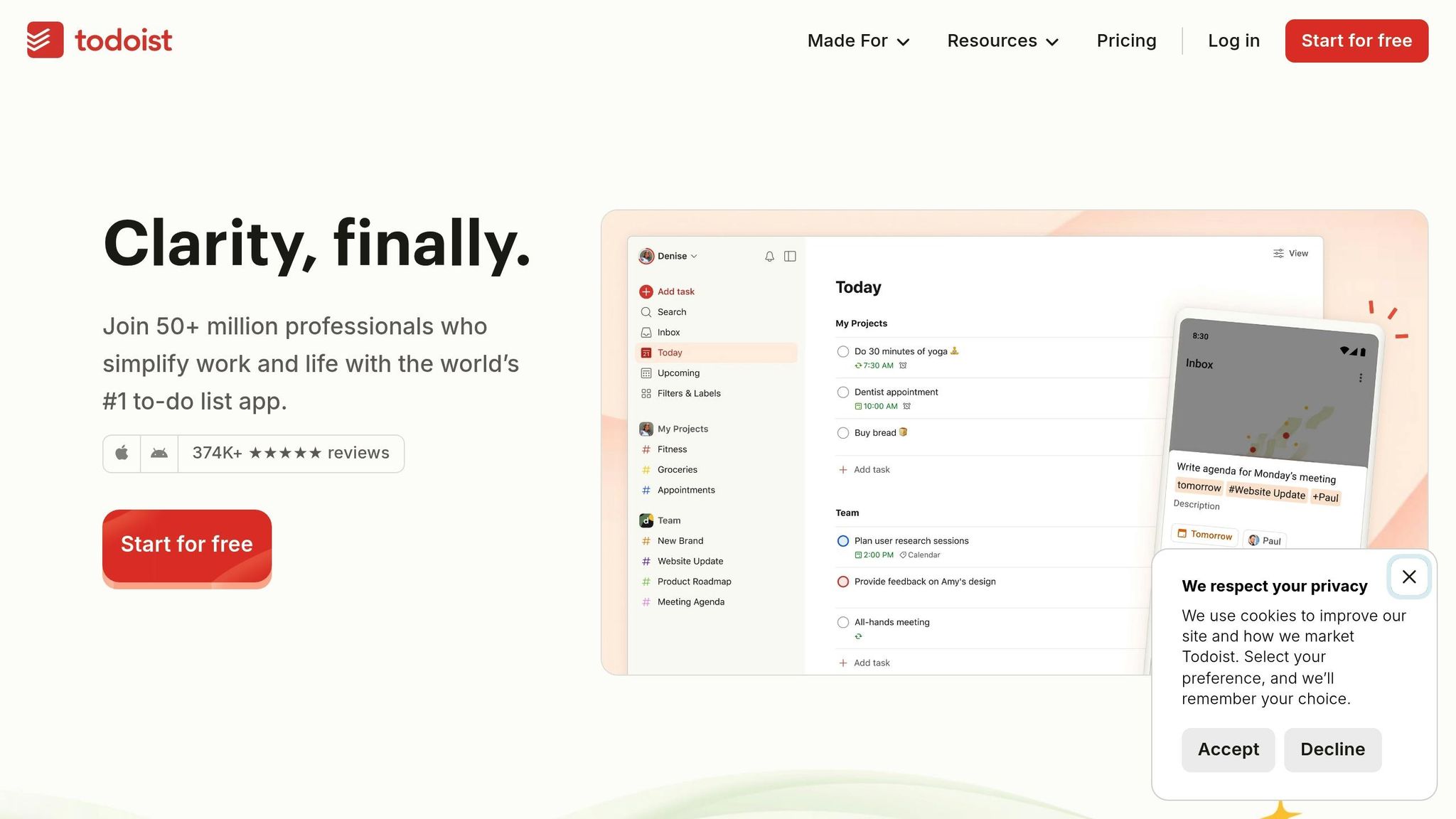
Todoist is a well-designed task management tool that offers a solid free plan, making it a popular choice for solopreneurs. With support for multiple projects, basic collaboration, modest file uploads, and essential integrations, it provides a simple yet effective way to manage tasks.
Best For
Ideal for solopreneurs who focus on completing tasks efficiently rather than managing complex projects. It’s perfect for those who value clear priorities and streamlined workflows.
Free User Limit
The free plan includes basic collaboration features, which are great for small-scale teamwork, such as coordinating with a virtual assistant or managing limited client tasks.
Free Project Limit
The free tier allows you to manage multiple projects, making it easy to organise different clients, business goals, or personal tasks. This flexibility lets you structure your work without running into tight restrictions.
Key Features for Solopreneurs
Todoist stands out with features like natural language processing, which automatically assigns due dates when you type tasks like "Submit report by Monday". It also includes a built-in productivity tracker that motivates users by highlighting task-completion streaks.
The app supports seamless syncing across devices, whether you’re using iOS, Android, or your desktop. This ensures you can update tasks or capture ideas no matter where you are. Basic integrations with popular tools help simplify workflows without overwhelming you with unnecessary features.
Other helpful tools include smart scheduling, which suggests the best times for tasks, and pre-made project templates to quickly set up recurring workflows for similar projects or processes.
Limitations of the Free Plan
While the free version is robust, it does have its limits. Filters and labels are basic, which might not be sufficient for creating complex task views. Reminders are only available as push notifications, and features like advanced tracking, enhanced collaboration, and larger file uploads are reserved for premium users.
For solopreneurs who prefer clean, simple task management over a fully-featured project management suite, Todoist’s free plan is a great starting point that can adapt as your business grows.
sbb-itb-98ad9c7
7. Airtable
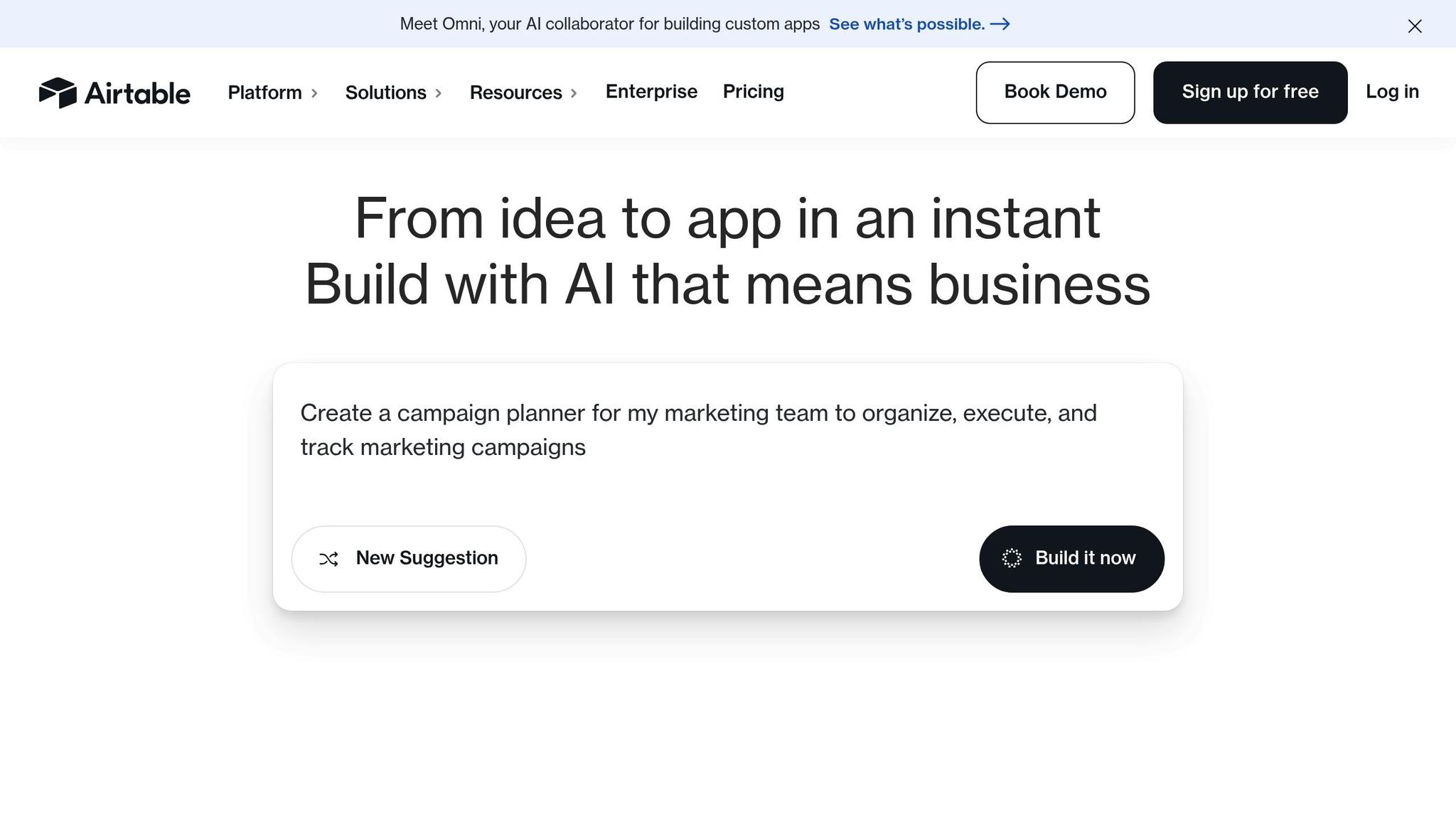
Airtable is a tool that blends the simplicity of spreadsheets with the functionality of databases, making it especially handy for solopreneurs who need to organise data and keep projects on track. Its hybrid design offers more flexibility than traditional spreadsheets while staying user-friendly.
Best For
Airtable works well for solopreneurs who need to manage structured data, such as client databases, content calendars, or inventory. Whether you’re a freelancer planning editorial schedules or a consultant tracking client details and project timelines, Airtable provides a workspace that adapts to your needs. Its flexibility makes it a practical choice for handling diverse projects.
Free User Limit
The free plan allows up to 5 editors and unlimited read-only collaborators, making it suitable for small-scale teams or solo operations.
Free Project Limit
With the free plan, you can create unlimited bases, but each base is capped at 1,200 records. For most solopreneurs, this is enough to manage multiple projects – whether it’s tracking blog posts, social media calendars, or client communications – without hitting the limit too quickly.
Key Features for Solopreneurs
Airtable stands out with its variety of view options, including:
- Grid view: A familiar spreadsheet-like layout.
- Kanban view: Ideal for visual task management.
- Calendar view: Perfect for tracking deadlines.
- Gallery view: Great for organising visual content.
These options let you customise your workspace depending on the project, eliminating the need to juggle multiple tools.
Airtable also offers pre-built templates tailored to common tasks like project tracking, content planning, and client management. These templates simplify the setup process, saving time and effort. The platform’s form feature allows you to collect data directly into your bases, streamlining tasks like client intake or project requests.
Basic automations are another plus. You can set up workflows to update records, send notifications, or create new entries automatically. Plus, the mobile app ensures you can manage projects, add photos, or check deadlines no matter where you are. These features make Airtable a solid choice for solopreneurs needing efficient data organisation.
Limitations of Free Plan
While Airtable’s free plan is packed with useful features, it does come with a few constraints. The most notable is the 1,200-record limit per base. If your projects grow beyond this, you’ll need to upgrade to a paid plan.
Another restriction is the 2GB attachment storage limit per base, which can fill up quickly if you’re storing images, documents, or other files. Automations are capped at 100 runs per month, and advanced features like calendar syncing and priority support are reserved for paid plans. For solopreneurs managing larger datasets or requiring more storage, these limitations might lead to an upgrade sooner than planned. Balancing these free features against potential costs is something to keep in mind when choosing Airtable.
8. Linear
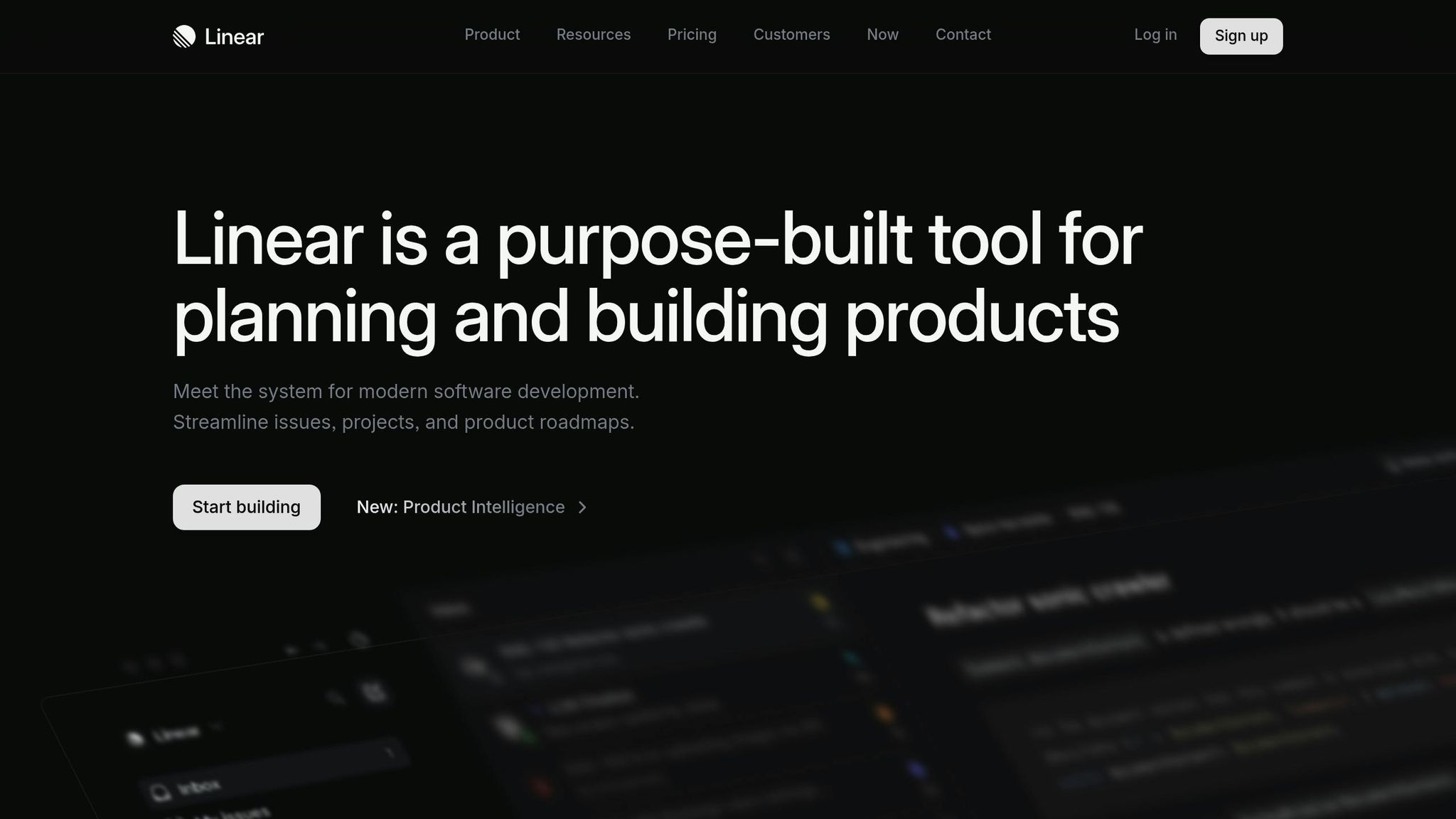
Linear is a project management tool crafted with software developers and technical solopreneurs in mind. Its sleek, no-frills interface prioritises speed and efficiency, making it a go-to option for those who value streamlined workflows over excessive bells and whistles.
Best For
Linear shines when used by technical solopreneurs managing software projects, tracking bugs, or navigating product development cycles. Whether you’re a freelance developer building apps, a UI/UX designer crafting digital experiences, or a consultant juggling technical projects, Linear’s development-focused workflows and smooth keyboard navigation make it a natural choice.
Free Plan Limits
Linear’s free plan is generous, allowing for multiple collaborators and unlimited projects – more than enough for handling client work and personal projects.
Key Features for Solopreneurs
Linear offers a suite of features designed to simplify technical project management. Its standout qualities include lightning-fast performance and intuitive keyboard shortcuts, which make task management a breeze. The roadmap view helps you visualise project timelines and milestones, making it easier to plan product launches or track client deliverables. Meanwhile, cycle planning lets you organise tasks into focused sprints, keeping progress steady and goals clear.
The platform also integrates seamlessly with popular development tools, automatically linking commits and pull requests. Notifications through Slack and email ensure you stay updated without missing a beat. Plus, its mobile app mirrors the desktop experience, enabling you to manage issues, update statuses, and address urgent tasks while on the move.
Limitations of the Free Plan
While the free version of Linear is robust, it does come with a few constraints. File storage for attachments is capped, and advanced features like detailed reporting, analytics, and customisation options (e.g., custom fields, workflows, or time tracking) are reserved for paid plans. These limitations might be manageable for many solopreneurs but could necessitate an upgrade as your project needs grow.
9. Microsoft To Do
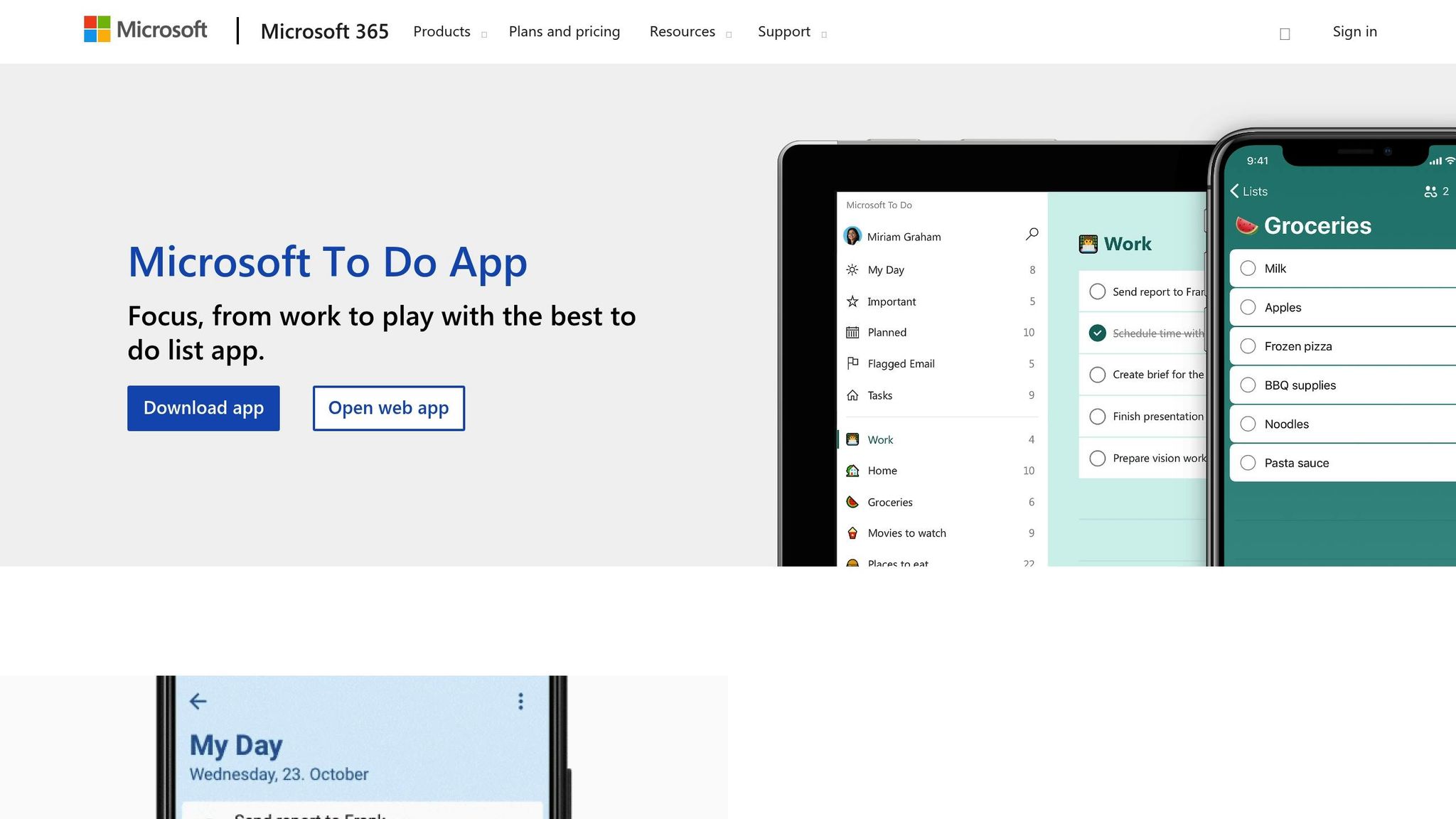
Microsoft To Do is a straightforward task management app that works seamlessly within the Microsoft ecosystem. It focuses on essential task tracking without overloading you with extra features.
Best For
This tool is perfect for solopreneurs juggling daily tasks and client deliverables. Whether you’re a consultant, freelance writer, or service provider, Microsoft To Do fits right in – especially if you’re already using Outlook, Office 365, or Teams.
Free User Limit
The free plan allows unlimited personal use, making it a great choice for solopreneurs managing their own projects. While it’s primarily designed for individual productivity, you can share task lists with clients or collaborators when necessary.
Key Features for Solopreneurs
- The My Day feature helps you focus by gathering your tasks into a single view, with smart suggestions based on deadlines to simplify planning.
- Cross-device synchronisation keeps your to-do list updated whether you’re on your laptop, mobile, or tablet.
- Features like due date reminders and recurring tasks ensure you stay on top of regular activities such as client meetings, invoice submissions, or content deadlines.
- Integration with Outlook lets you convert emails into actionable tasks, while Microsoft Teams integration supports smooth collaboration with clients.
- The file attachment feature allows you to link relevant documents directly to tasks, keeping everything organised and easy to access.
Limitations of Free Plan
That said, the free version has its limits. It doesn’t include advanced tools like Gantt charts, time tracking, or in-depth reporting. You also won’t find custom fields, project templates, or robust collaboration features, which may make it less suitable for managing complex projects.
10. Zoho Projects
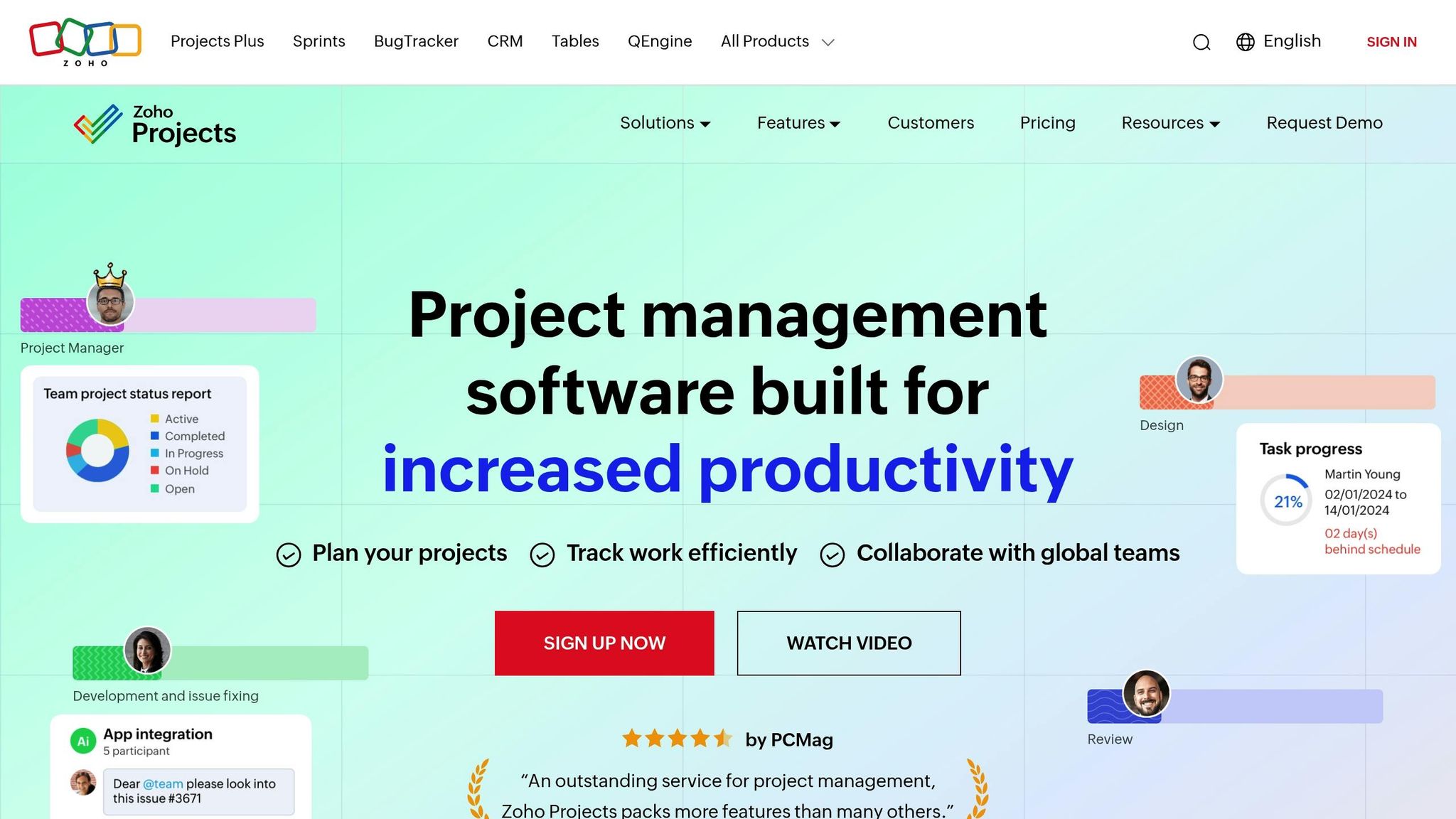
Wrapping up our list, Zoho Projects is a part of the larger Zoho business suite, offering a practical project management tool for solo entrepreneurs. Its free plan is ideal for those who need to manage a handful of projects without spending a rupee.
Best For
Zoho Projects works well for solopreneurs managing a limited number of client assignments. Whether you’re a consultant, a creative professional, or a developer, this tool helps organise and track your work effectively, ensuring your projects stay on schedule.
Free User Limit
The free plan supports up to 5 users, making it convenient for occasional collaboration with a virtual assistant or subcontractor.
Free Project Limit
With the free plan, you can manage up to 3 projects at a time. This is perfect for those focusing on a small, select client base. While the free tier includes essential tools, additional features are available if you choose to upgrade.
Key Features for Solopreneurs
The free version of Zoho Projects equips you with the basics to manage your workload. Key features include:
- Task management for organising and prioritising work
- Calendar and timeline views to keep track of deadlines
- A mobile app for on-the-go updates
- Basic integrations to streamline workflows
These features provide a solid foundation for solo entrepreneurs, though they come with some limitations.
Limitations of the Free Plan
The free plan does not include advanced customisation or detailed reporting tools. If your projects require deeper customisation or more comprehensive reporting, you might need to consider upgrading to a paid plan.
Side-by-Side Tool Comparison
When you’re sifting through ten project management tools, the sheer number of options can feel overwhelming. To simplify your decision-making, here’s a quick comparison table followed by a closer look at key features and metrics for each tool.
| Tool | Free Users | Free Projects | Storage | Key Feature | Best Use Case | Mobile App | Integrations |
|---|---|---|---|---|---|---|---|
| Notion | Unlimited | Unlimited | No limit | All-in-one workspace | Content creators, knowledge workers | Yes | 50+ |
| Trello | 10 | 10 boards | 10MB per file | Visual Kanban boards | Visual project tracking | Yes | 200+ |
| Asana | 15 | Unlimited | 100MB total | Task dependencies | Team collaboration | Yes | 100+ |
| ClickUp | Unlimited | Unlimited | 100MB | Customisable views | Feature-rich management | Yes | 1000+ |
| Monday.com | 2 | 3 boards | 500MB | Visual workflows | Simple visual tracking | Yes | 40+ |
| Todoist | 1 | 5 projects | No limit | Natural language | Personal task management | Yes | 60+ |
| Airtable | Unlimited | Unlimited | 2GB | Database functionality | Data-heavy projects | Yes | 1000+ |
| Linear | Unlimited | 1 workspace | No limit | Issue tracking | Technical projects | Yes | 20+ |
| Microsoft To Do | Unlimited | Unlimited | 5GB | Microsoft integration | Simple task lists | Yes | Microsoft ecosystem |
| Zoho Projects | 5 | 3 | 10GB | Business suite integration | Client project management | Yes | 40+ |
Key Insights from the Comparison
Storage Capacity
If you deal with large files or extensive documentation, storage limits can make or break a tool’s usefulness.
Notion and Linear stand out with unlimited storage, ideal for solopreneurs handling complex documentation or technical files.
On the other hand, Trello’s 10MB per file limit works well for simpler, text-based projects but struggles with media-heavy tasks.
Tools like Zoho Projects (10GB) and Airtable (2GB) cater to specific needs – Zoho is great for client files, while Airtable shines in database-heavy workflows but may require careful storage management for larger media files.
Integrations
Integration options can vary widely.
ClickUp leads the pack with over 1000 integrations, making it a powerhouse for users who want flexibility.
However, this extensive list might feel overwhelming for those seeking simplicity.
For a more streamlined experience, Linear offers just 20 carefully selected integrations, appealing to developers who value focus over choice.
User Limits
The number of free users indicates how collaborative a tool is.
Asana (15 users) and Trello (10 users) are designed to support growing teams, while Monday.com’s 2-user limit and Todoist’s single-user focus are better suited to individuals or small-scale projects.
Todoist, in particular, excels in personal productivity, offering a distraction-free environment for solo work.
Best Use Cases
Each tool has its niche. Notion is an excellent all-in-one workspace for content creators and knowledge workers.
Trello and Monday.com excel in visual project tracking with Kanban boards and workflows, while Linear is tailored for technical teams needing robust issue tracking.
For personal task management, Todoist keeps things simple and intuitive, and Zoho Projects is a strong choice for client-focused projects with its 10GB storage and business suite integration.
This breakdown provides a clear starting point to help you match the right tool to your needs. Up next, we’ll dive into practical tips for choosing the perfect fit for your specific business type.
How to Pick the Right Tool for Your Business Type
Selecting a project management tool isn’t just about picking the most popular option – it’s about finding one that fits your business operations like a glove.
Your choice should reflect your work style, daily routines, and how you interact with clients. Here’s a breakdown of tools tailored to different business types and needs.
Tools for Content Creators and Digital Marketers
If you’re in the business of creating content or running campaigns, you’ll want a tool that blends planning with production.
Notion is a top pick because it lets you draft posts, manage calendars, and track deliverables – all in one place.
It even offers unlimited storage for your content files. For a simpler, more visual approach, Trello is a great alternative. Its card-based system makes managing your content pipeline a breeze, though you’ll need separate tools to handle content creation itself.
Tools for Consultants and Service Providers
Consultants and service-based businesses thrive on clear communication and strong project tracking.
Asana is a standout choice, offering a free plan for up to 15 users – perfect for inviting clients into projects for full transparency. Its task dependency features are great for managing interconnected tasks.
Another strong contender is ClickUp, which offers unlimited users and customizable views, allowing you to toggle between timelines, calendars, and lists depending on what you need to share with clients.
Tools for Developers and Technical Solopreneurs
Technical professionals often need tools that cater to their specific workflows.
Linear is designed with developers in mind, offering features like issue tracking, bug reporting, and sprint planning. Its clean, distraction-free interface helps you focus on coding, not managing.
For developers who also juggle documentation or client communication, Notion is a solid alternative. Its database functionality is perfect for tracking bugs, feature requests, and technical specs.
Tools for E-commerce and Product-Based Businesses
If your business revolves around products, you’ll need a tool that handles data effectively.
Airtable is an excellent option, functioning as a hybrid between a spreadsheet and a database.
It’s ideal for tracking inventory, managing supplier relationships, monitoring seasonal trends, and planning product launches.
With 2GB of storage for product photos and extensive integration options, Airtable connects seamlessly to e-commerce platforms, accounting software, and marketing tools.
Tools for Simple Task Management
Sometimes, you don’t need a full-fledged project management suite – just something to organise daily tasks. Todoist is great for this, allowing you to schedule tasks using natural language input. If you’re already using Microsoft apps, Microsoft To Do integrates smoothly with Outlook, Teams, and Office, making it a hassle-free option.
Tools for Multi-Client Service Businesses
For businesses that juggle multiple client projects, keeping everything separate is crucial. Monday.com offers visually intuitive workflows that are easy for clients to follow. However, its free plan is limited to two users, which might require an upgrade sooner than later. Zoho Projects provides better value with a free plan for five users and 10GB of storage. Plus, it integrates seamlessly with Zoho’s broader suite of tools, including CRM, invoicing, and email marketing.
Match Complexity to Your Needs
The key to choosing the right tool is aligning its complexity with your business’s needs. A freelance writer doesn’t need the advanced features required by a consultant managing multiple client projects. Start by identifying your biggest workflow challenge – be it task organisation, client communication, or file management – and pick a tool that addresses that issue effectively.
Also, think about where your business is headed. If you’re planning to expand your team or take on larger projects soon, tools like Asana or ClickUp, which offer generous free user limits, are smart choices. But if you’re sticking to a solo operation, simpler tools may save you time and avoid unnecessary complexity.
Tips to Get More from Free Project Management Tools
For solopreneurs juggling tight budgets, free project management tools can be incredibly useful – if you know how to maximise their potential. By applying a few smart strategies, you can stretch the capabilities of these tools and align them with your growing business needs.
Master Integration to Simplify Workflows
Many free project management tools come with basic integration options, but you can amplify their usefulness with automation platforms. For instance, Zapier’s free tier lets you connect your tool to apps like Gmail, Google Drive, and Slack, automating tasks like creating a new project when an email arrives. Similarly, IFTTT can trigger actions, such as adding tasks to your project tool based on specific conditions. These integrations not only save time but also keep your processes smooth and efficient.
Manage Storage Wisely with Cloud Services
Since free plans often limit storage, consider using external cloud storage services. Instead of uploading large files directly to your project management tool, store them on platforms like Google Drive or Dropbox and link them to your tasks. Some tools offer more generous storage options, which can act as a hub for your work files while you manage tasks through other apps. This approach ensures you never run out of space while keeping everything organised.
Build Templates for Repeated Workflows
If you frequently handle similar projects, creating templates can save you time and ensure consistency. Many tools, like Trello and Asana, allow you to duplicate boards or save entire projects as templates. For example, you can set up templates for client onboarding or content creation, reducing repetitive setup work. Even simpler tools often support recurring tasks, helping you streamline your processes and stay organised.
Combine Tools for a Complete System
Rather than relying on a single tool, consider using a mix that complements each other. For example, you can use a task manager for daily to-dos, a visual board for tracking long-term projects, and a calendar app for scheduling. The key is to ensure each tool serves a unique purpose, avoiding overlap and creating a system that works seamlessly together.
Regularly Backup Your Data
Free tools can sometimes change their terms or features, so it’s wise to back up your data regularly. Most platforms allow you to export data in formats like CSV or JSON, making it easy to save your project history. Setting up monthly backups ensures your information is secure and simplifies transitions if you ever need to switch tools.
Know When It’s Time to Upgrade
While free plans are great for basic needs, there may come a point when upgrading to a paid plan makes sense. If you’re hitting limits on users, storage, or features like advanced reporting or time tracking, it might be time to invest. Periodically review your workflow to assess whether a paid plan could save time or improve productivity.
Tap Into Community Resources
Many project management platforms have active user communities offering templates, tips, and creative solutions. From official template libraries to online forums, these resources can inspire new ways to use your tool’s free features. Exploring these ideas can help you refine your workflow and get the most out of your chosen platform.
Conclusion
You don’t need costly project management software to run a successful solo business. The ten free tools we’ve discussed show that staying organised and productive is entirely possible without stretching your budget.
Whether you prefer Notion’s all-in-one workspace, Trello’s straightforward visual boards, or ClickUp’s rich set of features, these platforms deliver impressive functionality without the burden of monthly fees. The trick is figuring out your workflow requirements and picking tools that simplify your tasks instead of complicating them.
For most solopreneurs, the free plans offer more than enough features to manage their daily operations. With options like project tracking, collaboration tools, and mobile access, these tools can easily handle multiple clients and evolving business needs. While free tiers may have storage caps or user limits, these rarely pose challenges for individual entrepreneurs.
Instead of committing to one tool right away, try out two or three that seem to fit your style of working. Spend a few days using each one with real projects to see how well it integrates into your routine. This practical testing helps identify which tool feels natural and genuinely boosts your efficiency.
Ultimately, the best project management tool is the one you’ll stick with. A simple system that you use regularly will always outperform a feature-heavy one that gets neglected. Start with free tools, learn their ins and outs, and only consider upgrading when your business growth truly calls for it.
Consistency in your habits matters far more than expensive software – and these free tools give you everything you need to create those winning routines.
FAQs
What should I look for in a free project management tool for my solo business?
When choosing a free project management tool for your solo business, it’s essential to focus on features that cater to your specific needs. Look for tools that allow you to handle multiple projects, offer a mobile app for easy access on the move, and integrate smoothly with the tools you already rely on. Features like task management, calendar views, and basic collaboration options can help streamline your workflow.
At the same time, pay attention to the limitations of the free plan. These might include storage restrictions, limited features, or user caps. Make sure the tool can handle your current requirements. If you anticipate your needs growing, think about when it might make sense to switch to a paid plan. Choose a tool that keeps your work simple and efficient, avoiding unnecessary complexity.
What are the common limitations of free project management tools for solopreneurs?
Free project management tools can be a great starting point for solopreneurs, offering basic functionality without any upfront cost. However, they often come with a few limitations that might impact your workflow:
- Limited Features: Advanced tools like detailed reporting, resource management, or automation are typically locked behind paid plans.
- Caps on Projects and Users: Many free versions restrict the number of projects you can manage or the users you can add, which can be a hurdle if your business starts growing.
- Storage Limits: If you’re dealing with larger files or juggling multiple projects, the restricted storage space can quickly become an issue.
- Restricted Integrations: Access to third-party apps or integrations is often limited unless you upgrade to a premium plan.
While these free tools are great for covering the basics, you might need to explore paid options as your workload increases or your needs become more complex.
How can I make the most of a free project management tool without upgrading?
To make the most of a free project management tool, focus on making smart use of its features and finding creative ways to work around its limits. Start by connecting the tool with other free platforms to simplify your workflows. For instance, you can use automation tools or free integrations to link your project management software with your email, calendar, or time-tracking apps.
Make it a habit to export and back up your data regularly. This ensures you won’t lose critical information due to storage caps or access restrictions. You can also mix and match free tools – use one for task management and another for team collaboration – to meet all your needs while staying within the boundaries of free plans.
Lastly, organise and prioritise your projects wisely. Define your goals and project scope clearly to avoid unnecessary complications. If your team or workload grows beyond what the free plan can manage, then consider upgrading. With thoughtful planning, many solopreneurs can handle their projects efficiently without spending a single rupee.
Related Blog Posts
- Top 10 Invoice Management Apps for Indian Freelancers
- Setting Up Automated Payments and Recurring Billing Systems for Indian Freelancers
- How to Scale from Solo Freelancer to Agency Owner
- 15 Low-Investment Part-Time Business Ideas in India

Ayush Gupta is an entrepreneur and SEO consultant with over a decade of experience helping businesses grow. As the founder of Visibility Ventures, he combines technical expertise with practical financial knowledge to guide readers through credit cards, investments, and tax optimization. He holds certifications in Entrepreneurship and Business Laws from NUJS Kolkata and regularly advises companies on digital growth strategies.