


Managing your freelance finances in India’s booming gig economy requires more than just a regular savings account. A dedicated business bank account streamlines tax compliance, enhances professional credibility, and simplifies client transactions.
Whether you’re a content creator just starting out or an established consultant managing international clients, choosing the right business account can make or break your financial workflow.
Choose This Bank If:
- You’re just starting → SBI Current Account (₹5,000 MAB) or Open Neo Bank (Zero balance)
- You have steady domestic clients → HDFC SmartUp or Kotak 811 Edge
- You work with international clients → ICICI InstaBiz or RazorpayX
- You need advanced digital tools → Open, RazorpayX, or Jupiter Edge
Quick Comparison Matrix
| Bank Account | Min. Balance | Best For | Digital Score | International Support |
| SBI Current | ₹5,000 MAB | Beginners | ★★★☆☆ | Basic |
| HDFC SmartUp | ₹50,000 AQB* | Growing freelancers | ★★★★☆ | Good |
| ICICI InstaBiz | ₹10,000 MAB | Established pros | ★★★★☆ | Excellent |
| RazorpayX | Zero | Digital natives | ★★★★★ | Excellent |
| Open | Zero | All freelancers | ★★★★★ | Very Good |
Bank AccountMin. BalanceBest ForDigital ScoreInternational SupportSBI Current₹5,000 MABBeginners★★★☆☆BasicHDFC SmartUp₹50,000 AQB*Growing freelancers★★★★☆GoodICICI InstaBiz₹10,000 MABEstablished pros★★★★☆ExcellentRazorpayXZeroDigital natives★★★★★ExcellentOpenZeroAll freelancers★★★★★Very Good
*AQB waived with ₹5 lakh quarterly digital transactions
Why Freelancers Need Business Accounts
Gone are the days when freelancers could manage everything through personal savings accounts.
If you’re still wondering about the differences, check out our detailed guide on Current Account vs Savings Account for Indian Freelancers.
In 2025’s regulatory environment, a business account isn’t just convenient—it’s essential. Here’s why:
Tax Compliance Made Simple:
With GST requirements for freelancers earning over ₹20 lakhs (₹10 lakhs for special category states), separate business accounts make filing returns straightforward. No more scrambling to separate personal pizza orders from client payments during tax season.
Professional Credibility: Nothing says “I’m serious about my business” like receiving payments to a current account. Clients, especially corporates, prefer dealing with freelancers who maintain professional banking standards.
Financial Organization: Track expenses, manage cash flow, and generate financial statements with ease. Most business accounts offer detailed categorization that personal accounts simply don’t provide.
Legal Protection: Keeping business and personal finances separate provides a clear audit trail and legal protection. This separation becomes crucial if you ever face scrutiny from tax authorities.
Learn how to monetize your skills in the gig economy effectively.”
Essential Features Freelancers Should Look For
Must-Have Features
Low/Flexible Minimum Balance: Your income might fluctuate—your bank shouldn’t penalize you for it. Look for accounts with reasonable MAB requirements or digital transaction waivers.
Robust Digital Banking: In 2025, if you can’t manage 90% of your banking needs from your phone, find another bank. Essential features include instant transfers, UPI for business, and real-time notifications.
GST Compliance Tools: Automated GST invoice generation, tax payment integration, and downloadable reports save hours during filing season.
International Payment Support: Even if you don’t have international clients now, you might tomorrow. Ensure your bank supports multiple currencies and provides Foreign Inward Remittance Certificates (FIRC).
Nice-to-Have Features
- Accounting Software Integration: Direct sync with Tally, Zoho Books, or QuickBooks
- Overdraft Facilities: For managing cash flow gaps
- Multi-Currency Accounts: Hold funds in USD, EUR, etc.
- Expense Tracking: Automated categorization and spending insights
- Virtual Cards: For online subscriptions and advertising expenses
<aside> ### **Banking Terms Decoded**
MAB (Monthly Average Balance): The average amount you need to maintain throughout the month. Calculated by adding daily closing balances and dividing by days in the month.
AQB (Average Quarterly Balance): Similar to MAB but calculated over three months, giving more flexibility for irregular income.
NEFT: National Electronic Funds Transfer – works in batches, typically takes 30 minutes to 2 hours.
RTGS: Real Time Gross Settlement – instant transfer for amounts ₹2 lakh and above.
IMPS: Immediate Payment Service – instant transfer 24/7, ideal for amounts under ₹2 lakh.
FIRC: Foreign Inward Remittance Certificate – proof of international payments received, essential for GST refunds. </aside>
Detailed Bank Reviews
Traditional Banks
1. ICICI InstaBiz Account
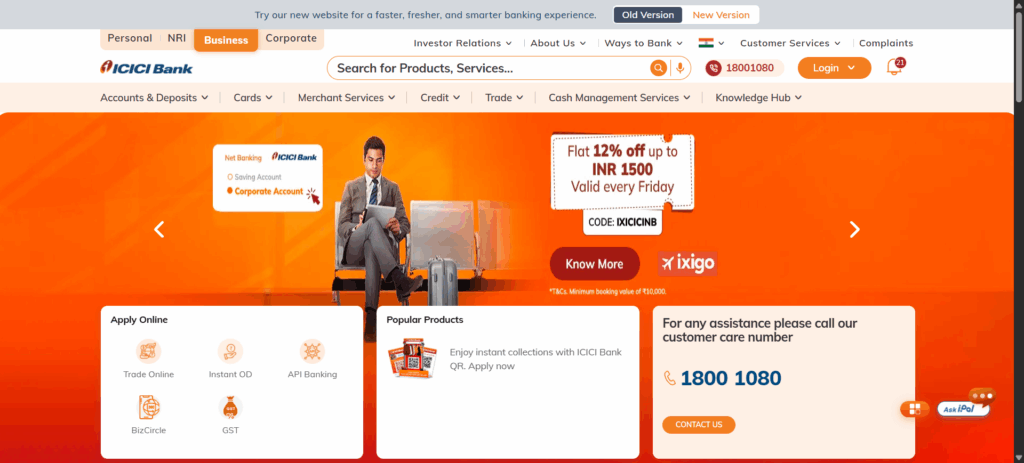
Overview & Best For: ICICI’s InstaBiz is the Swiss Army knife of business banking—packed with features for established freelancers managing multiple clients and international transactions.
Account Opening:
- Eligibility: Indian residents, 18+ years, valid business proof (GST certificate or professional certificate)
- Required Documents: PAN, Aadhaar, address proof, business proof, 2 photographs
- Process & Timeline: Online application with video KYC available; account activated within 48 hours
- Initial Deposit: ₹5,000
Fee Structure:
- Minimum Balance: ₹10,000 MAB
- Non-Maintenance Penalty: ₹500 or 6% of shortfall (whichever is lower)
- Transaction Charges:
- NEFT/RTGS via app: Free
- Branch transactions: ₹5-₹50 depending on amount
- Cash deposits: Free up to ₹2 lakhs/month at home branch
- Hidden Fees: SMS alerts (₹15/quarter), Physical statements (₹100 + GST)
Digital Features:
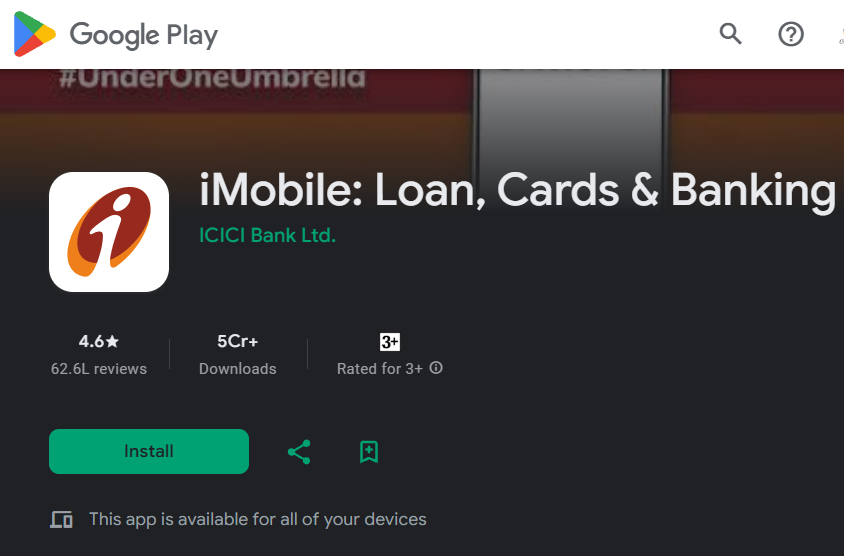
- App Rating: 4.6/5 (Google Play), 1.8 million downloads
- Key Features: Role-based access, bulk payments, automated reconciliation
- Standout Tool: InstaBIZ app with Pay-to-Contact feature—transfer up to ₹20,000 without adding beneficiary
International Capabilities:
- Supported Currencies: 16 major currencies
- Wire Transfer Fees: 0.125% (min ₹500, max ₹10,000)
- Processing Time: 1-3 business days
- Unique Feature: Trade Emerge platform for export documentation
Customer Support:
- 24/7 phone banking
- Dedicated relationship manager for accounts with ₹5 lakh+ balance
- In-app chat support (business hours)
Pros:
- Comprehensive digital ecosystem
- Excellent international payment infrastructure
- Strong security features with maker-checker facility
Cons:
- Higher minimum balance requirement
- Complex fee structure for cash transactions
- Relationship manager only for high-value accounts
Real User Review: “The InstaBIZ app transformed how I manage payments. The bulk upload feature saves me hours when paying multiple vendors.” – Priya Sharma, Marketing Consultant, Mumbai
2. HDFC SmartUp Account
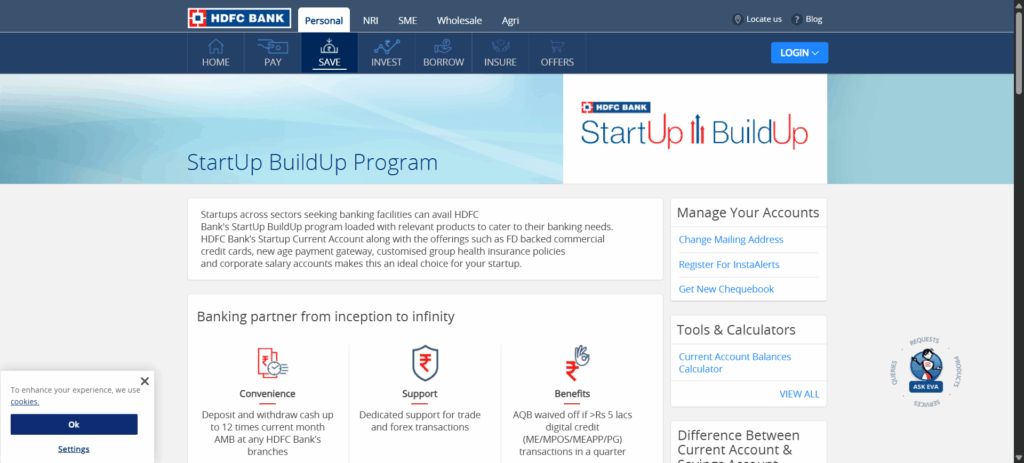
Overview & Best For: Think of SmartUp as the ambitious freelancer’s growth partner—designed for those transitioning from side-hustle to serious business.
Account Opening:
- Eligibility: Freelancers, startups, SMEs with annual turnover up to ₹5 crores
- Required Documents: Standard KYC + business vintage proof or professional certificate
- Process & Timeline: Branch visit required; 3-5 business days
- Initial Deposit: ₹10,000
Fee Structure:
- Minimum Balance: ₹50,000 AQB (waived for first year OR if digital transactions exceed ₹5 lakhs quarterly)
- Non-Maintenance Penalty: ₹3,000 per quarter
- Transaction Charges:
- First 5 cash deposits free, then ₹5/thousand
- RTGS/NEFT via NetBanking: Free
- Cheque leaves: First 25 free monthly
- Smart Feature: Digital transaction threshold completely waives AQB requirement
Digital Features:
- SmartHub Vyapar App: 4.4/5 rating
- Unique Offerings: Digital lending pre-approval, vendor payment automation
- Integration: Direct GST payment, e-way bill generation
International Capabilities:
- RemitNow Service: USD 100-25,000 per transaction
- Fees: ₹500 (up to USD 500), ₹1,000 (above USD 500) + 18% GST
- Forex Markup: 2-3.5%
- Advisory: Dedicated forex specialist support
Customer Support:
- Phone banking: 7 AM – 9 PM
- 2,400+ branches for in-person support
- WhatsApp banking for balance inquiries
Pros:
- First-year balance waiver helps new businesses
- Integrated business ecosystem (marketplace access)
- Digital collection threshold rewards growth
Cons:
- High AQB post-waiver period
- RemitNow unavailable on weekends
- Branch visit mandatory for opening
Real User Review: “The digital transaction waiver is brilliant. I haven’t paid maintenance charges since month 3!” – Rahul Mehta, UI/UX Designer, Bangalore
3. SBI Current Account
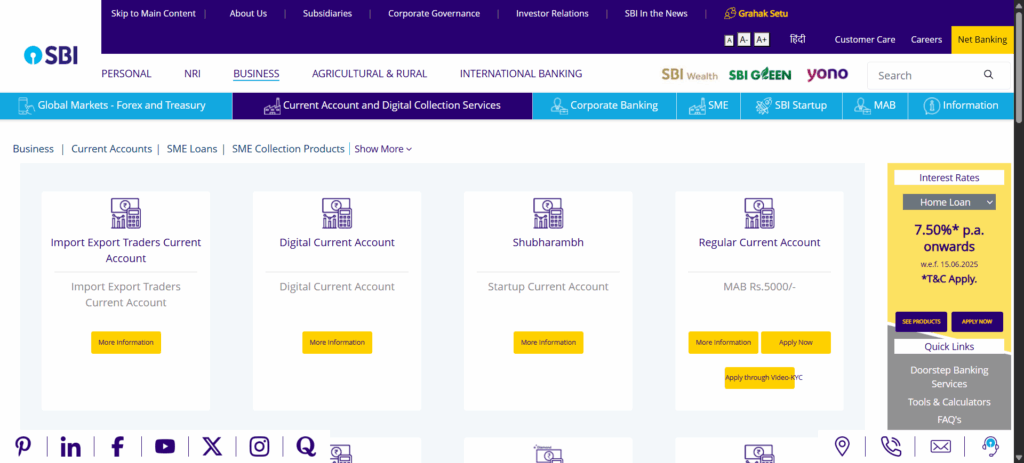
Overview & Best For: The reliable workhorse—perfect for risk-averse freelancers who value stability and nationwide presence over cutting-edge features.
Account Opening:
- Eligibility: Any individual with business/professional activity
- Required Documents: Basic KYC + any business/profession proof
- Process & Timeline: Online or branch; 7-10 business days
- Initial Deposit: ₹5,000
Fee Structure:
- Minimum Balance: ₹5,000 MAB
- Non-Maintenance Penalty: ₹500 + GST
- Transaction Charges:
- Digital NEFT/RTGS: Free
- Branch NEFT: ₹2.50-₹25 based on amount
- Cash handling: Free up to 100 times MAB
- Annual Charges: ₹550 + GST maintenance fee
Digital Features:
- YONO Business App: 3.8/5 rating
- Features: Basic but functional—balance check, transfers, statements
- Limitations: No advanced analytics or automation
International Capabilities:
- Wire Transfers: Available through branches
- Forex Markup: 1.5-3%
- FIRC: ₹200 per certificate
- Express Remittance: ₹250 flat fee
Customer Support:
- 22,000+ branches
- 24/7 call center
- Limited digital support channels
Pros:
- Lowest minimum balance among traditional banks
- Extensive branch network
- Government bank stability
Cons:
- Basic digital features
- Slower international transfers
- Limited integration options
4. Axis Bank Easy Business Account
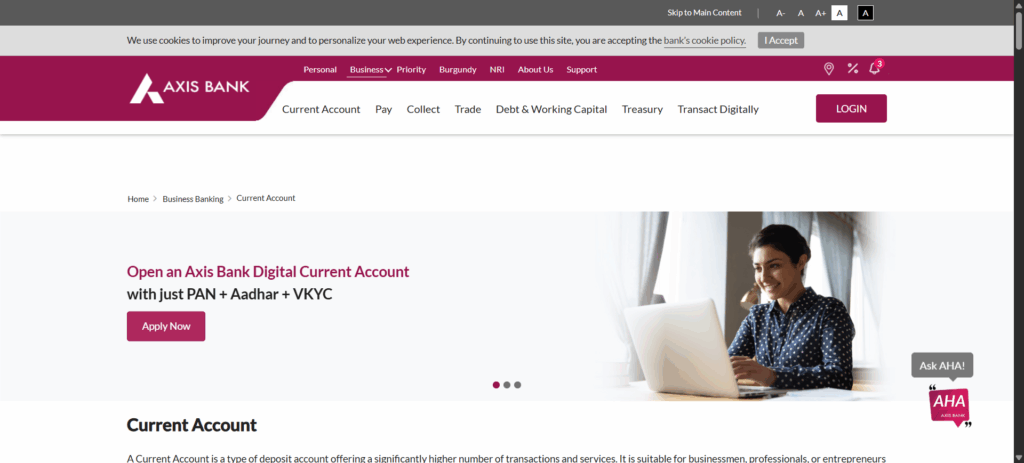
Overview & Best For: The middle ground—balancing traditional banking trust with modern digital conveniences.
Account Opening:
- Eligibility: Self-employed professionals, freelancers
- Required Documents: Standard KYC + professional certificate
- Process & Timeline: Online with video KYC; 24-48 hours
- Initial Deposit: ₹10,000
Fee Structure:
- Minimum Balance: ₹10,000 MAB
- Non-Maintenance Penalty: ₹600
- Transaction Features:
- 25 free transactions monthly
- Unlimited NEFT/RTGS via mobile
- Free cash deposits up to ₹2 lakhs/month
Digital Features:
- Axis Mobile App: 4.5/5 rating
- Special Tools: Invoice generation, expense tracker
- API Banking: Available for integration
Pros:
- Quick online opening
- Good mobile app
- Reasonable charges
Cons:
- Limited international features
- Fewer branches than SBI
- Basic rewards program
5. Kotak 811 Edge Account
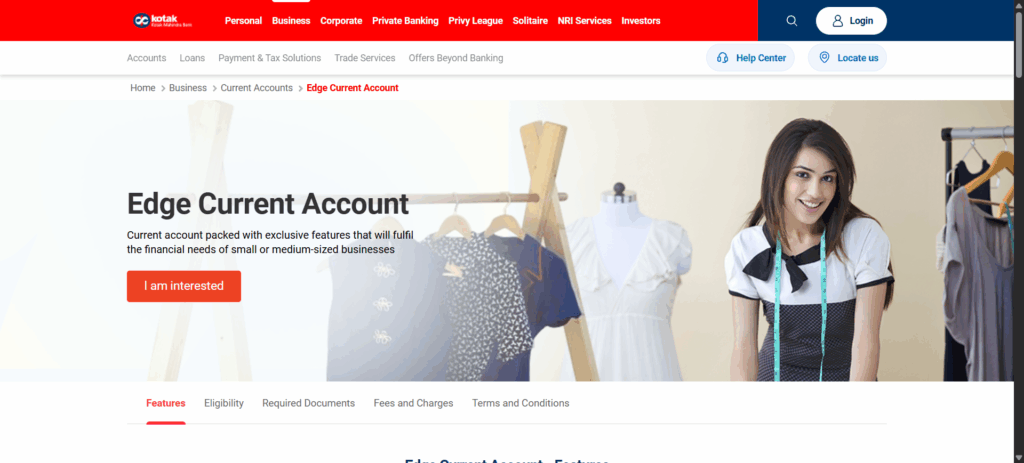
Overview & Best For: The digital-first offering from a traditional bank—ideal for tech-comfortable freelancers.
Account Opening:
- Eligibility: Indian residents with Aadhaar
- Documents: Aadhaar, PAN, video KYC
- Process: Completely online; instant activation
- Initial Deposit: ₹5,000
Fee Structure:
- Minimum Balance: ₹10,000 AMB
- Non-Maintenance: ₹199 per month
- Features: Free unlimited digital transactions
Digital Features:
- 811 App: 4.3/5 rating
- Unique: In-app business registration support
- Innovation: Virtual debit card instantly
Pros:
- Instant account opening
- Modern interface
- Good investment options
Cons:
- Limited business-specific features
- Fewer international options
- Smaller branch network
Digital-First/Neo Banks
6. RazorpayX
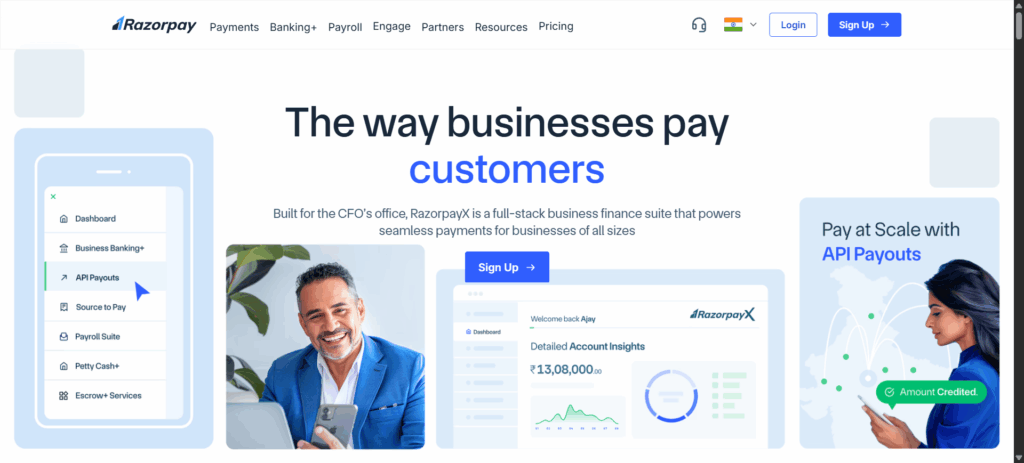
Overview & Best For: Built by payment experts for payment receivers—perfect for freelancers prioritizing seamless money movement.
Account Opening:
- Eligibility: Any registered business or professional
- Documents: PAN, Aadhaar, business proof (even freelance contracts work)
- Process: Completely online; 24-hour activation
- Initial Deposit: Zero
Fee Structure:
- Minimum Balance: Zero
- Monthly Fees: None for basic plan
- Transaction Charges:
- Payouts: ₹4-5 per transaction
- Collections: Free
- International: 0.99% + GST
- Premium Plans: Starting ₹2,000/month for advanced features
Digital Features:
- Platform Rating: 4.7/5 (G2 Reviews)
- Killer Features:
- Automated tax payments
- Smart routing for payment failures
- Integrated payment gateway
- API First: Everything accessible via API
International Capabilities:
- Multi-Currency Accounts: Hold funds in 5 currencies
- International Cards: Virtual cards for global payments
- Processing: Same-day for major currencies
- Documentation: Automated FIRC generation
Customer Support:
- 24/7 chat support
- Dedicated account manager
- Developer documentation
- 2-hour SLA for critical issues
Pros:
- Zero balance requirement
- Superior payment infrastructure
- Excellent developer tools
- Automated compliance
Cons:
- No physical branches
- Limited traditional banking services
- Premium features can get expensive
7. Open
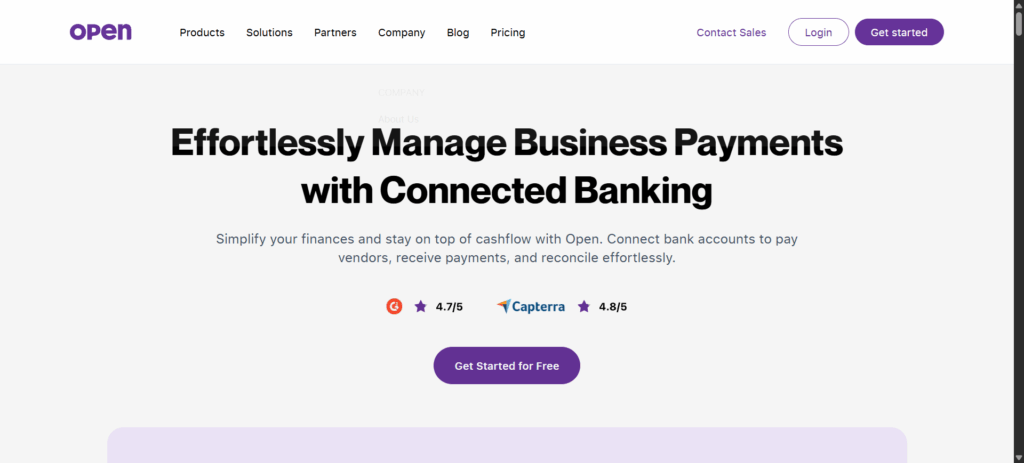
Overview & Best For: The all-in-one financial OS for freelancers—when you want banking, accounting, and expense management under one roof.
Account Opening:
- Eligibility: Any individual with business income
- Documents: Aadhaar, PAN, one business proof
- Process: 100% digital; 3-minute application
- Initial Deposit: Zero
Fee Structure:
- Minimum Balance: Zero
- Platform Fee: Free for basic; ₹599/month for Pro features
- Transactions:
- First 10 monthly transfers free
- ₹3 per transaction thereafter
- International: 1% markup
Digital Features:
- App Excellence: 4.8/5 rating, 500K+ downloads
- Standout Features:
- Integrated invoicing with payment tracking
- Auto-categorization of expenses
- Real-time cash flow insights
- Multi-user access with permissions
Unique Offerings:
- Open Money: Earned interest on idle balance
- Instant Credit: Pre-approved OD up to ₹5 lakhs
- Smart Collections: QR codes, payment links, auto-reminders
Customer Support:
- In-app chat (2-minute response)
- Email support
- Video tutorials library
- Community forum
Pros:
- True zero-balance account
- Best-in-class expense management
- Automated bookkeeping
- Modern, intuitive interface
Cons:
- No physical presence
- Limited to partnered bank’s infrastructure
- Advanced features need subscription
Comparative Analysis
By Freelancer Profile
New Freelancers (< 6 months)
Challenges: Irregular income, limited business proof, cash flow uncertainty
Best Options:
- Open: Zero balance, easy approval
- SBI Current: Low ₹5,000 MAB, wide acceptance
Strategy: Start with a neo-bank for flexibility, add a traditional bank account once income stabilizes.
Growing Freelancers (6-24 months)
Needs: Better tools, occasional credit, multi-client management
Best Options:
- HDFC SmartUp: Balance waiver with digital transactions
- RazorpayX: Payment automation features
- Kotak 811 Edge: Quick credit options
Strategy: Focus on accounts that reward transaction volume and offer growth tools.
As you scale your freelance business, consider developing recession-proof skills to ensure steady income flow.
Established Freelancers (2+ years)
Requirements: International capabilities, tax optimization, team features
Best Options:
- ICICI InstaBiz: Comprehensive international support
- RazorpayX: Advanced payment infrastructure
- Axis Easy Business: Good balance of features
Strategy: Prioritize banks with robust forex support and integration capabilities.
By Use Case
Domestic Clients Only
- Primary Pick: Open or HDFC SmartUp
- Why: Lower fees, better domestic payment features
- Avoid: Expensive international features you won’t use
International Clients
- Primary Pick: ICICI InstaBiz or RazorpayX
- Why: Multi-currency support, competitive forex rates
- Essential: FIRC generation capability
High Transaction Volume
- Primary Pick: RazorpayX
- Why: Bulk payment features, automated reconciliation
- Look For: API access, unlimited transactions
Minimal Banking Needs
- Primary Pick: SBI Current
- Why: Low costs, basic but reliable features
- Focus: Stability over innovation
Special Considerations
Tax & Compliance
GST Registration Requirements:
- Mandatory if annual income exceeds ₹20 lakhs (₹10 lakhs in special category states)
- Business account makes GST filing seamless
- Look for banks offering integrated GST payment
TDS Implications:
- Clients deduct TDS? Ensure your bank provides Form 16A
- Neo-banks often have better TDS reconciliation features
- Keep TAN handy for refund processing
IT Return Support:
- Download categorized statements for easier filing
- Banks provide ITR-ready reports
- Maintain clean separation of business/personal expenses
FIRC for International Payments:
- Essential for GST refunds on export of services
- Traditional banks charge ₹200-500 per certificate
- Neo-banks often provide free digital FIRCs
Integration Capabilities
Popular Software Compatibility:
- Tally: ICICI, HDFC, Axis support direct integration
- Zoho Books: Open, RazorpayX offer native sync
- QuickBooks: Most neo-banks provide CSV exports
- Custom Solutions: RazorpayX and Open provide APIs
Payment Gateway Connections:
- RazorpayX: Obviously seamless with Razorpay
- PayU Money: Works with most traditional banks
- Stripe: Better suited for neo-banks with API support
Step-by-Step Account Opening Guide
Pre-Application Checklist
Documents to Arrange:
- PAN Card
- Aadhaar Card
- Address Proof (if different from Aadhaar)
- Business Proof (any one):
- GST Certificate
- Professional Certificate
- Client Contracts
- Invoice Samples
- Passport-size photographs (2-4)
- Cancelled cheque (for existing account holders)
Online Process (Neo-Banks)
- Download App: Choose your bank’s official app
- Start Application: Select “Business Account”
- Video KYC:
- Good lighting essential
- Keep documents ready
- Stable internet connection
- Document Upload: Clear photos, under 2MB
- Initial Funding: UPI or net banking transfer
- Activation: Usually within 24 hours
Offline Process (Traditional Banks)
- Book Appointment: Call branch or book online
- Visit Branch: Carry originals and photocopies
- Fill Forms: Account opening form, specimen signature
- Submit Documents: Get acknowledgment receipt
- Initial Deposit: Cash or cheque
- Kit Collection: 7-10 days typically
Common Mistakes to Avoid
- Using personal email for business account
- Mismatched signatures across documents
- Poor quality document photos
- Incorrect business category selection
- Missing GST registration (if applicable)
Money-Saving Tips in Current Banks
Avoiding Minimum Balance Penalties
Smart Strategies:
- Set up balance alerts at MAB + 20%
- Use sweep-in facilities for excess funds
- Time large withdrawals after salary credits
- Maintain buffer in low-income months
Digital Transaction Hacks:
- HDFC SmartUp: Reach ₹5 lakh quarterly through small, frequent transactions
- Split large payments to increase transaction count
- Use UPI for everything to build volume
Optimizing Transaction Methods
Cost Hierarchy (Cheapest to Most Expensive):
- UPI/IMPS via app: Usually free
- NEFT via net banking: Free or minimal
- RTGS online: ₹5-25
- Branch transactions: ₹25-50
- International wire: ₹500-5,000
Pro Tips:
- Batch payments on specific days
- Use scheduled transfers for recurring payments
- Negotiate corporate rates for high volume
International Transfer Optimization
Save on Forex:
- Compare rates across banks before large transfers
- Use forex cards for regular small payments
- Time transfers when rates are favorable
- Consider services like Wise for better rates
Documentation Tips:
- Request digital FIRC to save fees
- Batch FIRC requests quarterly
- Maintain proper invoice trail
Red Flags to Watch Out For
Hidden Charges
- “Free” accounts with per-transaction fees
- Forex markups hidden in exchange rates
- Annual fees disguised as “maintenance”
- Charges for basic services like statements
Poor Service Indicators
- App ratings below 4.0
- No chat/email support
- Relationship manager “coming soon”
- Frequent technical glitches
Restrictive Terms
- Excessive documentation requirements
- Long lock-in periods
- Hidden eligibility criteria
- Complicated fee structures
Future-Proofing Your Choice
Scalability Considerations
Questions to Ask:
- Can I add team members easily?
- Are there higher-tier accounts to upgrade?
- Will international features scale affordably?
- Is there API access for automation?
Building Banking Relationships
Long-term Benefits:
- Pre-approved credit facilities
- Waived fees for loyal customers
- Priority support access
- Better forex rates
Relationship Building:
- Maintain consistent balance
- Use multiple products
- Provide feedback actively
- Attend bank events/webinars
Smooth Bank Switching
When to Switch:
- Consistent penalty charges
- Poor customer service
- Better options available
- Business needs evolved
Switching Checklist:
- Open new account first
- Update payment details gradually
- Transfer standing instructions
- Keep old account for 3 months
- Get account closure certificate
Quick Action Guide
5-Step Decision Process
- Assess Your Needs
- Income regularity?
- International clients?
- Transaction volume?
- Digital comfort?
- Shortlist Options
- Match needs to bank strengths
- Read recent reviews
- Check fee structures
- Test Digital Platforms
- Download apps
- Check feature availability
- Assess user experience
- Calculate True Costs
- Include all fees
- Factor in time savings
- Consider growth needs
- Start Application
- Gather documents
- Apply to top 2 choices
- Activate preferred account
Downloadable Resources
[Access these at respective bank websites]
- Document checklist template
- Fee comparison calculator
- International payment guide
- GST compliance tracker
FAQs
Can I open a business account without GST registration?
Yes! Most banks accept professional certificates, client contracts, or even freelance platform profiles as business proof.
How long does account opening take?
Neo-banks: 24-48 hours. Traditional banks: 3-10 business days depending on branch efficiency.
Can I convert my savings account to current account?
Usually no. You’ll need to open a fresh current account and transfer your business transactions.
How is Monthly Average Balance calculated?
Sum of daily closing balances ÷ days in month. Example: If you maintain ₹10,000 for 20 days and ₹0 for 10 days, your MAB = ₹6,667.
Are there hidden charges I should know about?
Watch for: SMS charges, statement fees, cash handling beyond limits, failed transaction charges, and annual maintenance fees.
What’s FIRC and why do I need it?
Foreign Inward Remittance Certificate proves you received international payments legally. Essential for GST refunds and tax compliance.
How can I reduce forex charges?
Compare bank rates with forex platforms, time your transfers, and consider multi-currency accounts for frequent transactions.
Are PayPal receipts considered valid international payments?
Yes, but ensure you get proper documentation. Some banks provide FIRC for PayPal transfers, others don’t.
Should freelancers register for GST?
Mandatory if annual income exceeds ₹20 lakhs. Optional but beneficial below that for claiming input tax credit.
How do business accounts help with taxes?
Separate transaction records, automated categorization, GST-compliant invoices, and clean audit trails make filing easier.
What if I mix personal and business transactions?
Technically violation of current account terms. Practically, it complicates taxes and may trigger scrutiny.
Monthly Updates Section
Latest Changes (July 2025)
New Features Launched:
- ICICI InstaBiz: SmartLock security feature and instant EEFC conversion
- Open: AI-powered expense predictions rolling out
- RazorpayX: Vendor management portal in beta
Policy Updates:
- RBI increases UPI transaction limit to ₹5 lakhs for business accounts
- GST e-invoicing mandatory for turnover above ₹5 crores
- New KYC norms simplify video verification process
Upcoming Changes:
- SBI planning major YONO Business upgrade (August 2025)
- HDFC SmartUp adding cryptocurrency transaction support (Q3 2025)
- Open launching credit card for freelancers (September 2025)
Conclusion
Choosing the right business bank account is like picking a business partner—it should grow with you, understand your needs, and make your life easier, not harder.
In 2025’s dynamic freelance landscape, the perfect account balances three elements: reasonable costs, robust digital features, and reliable support.
For new freelancers, starting with a zero-balance neo-bank like Open while building credit history with SBI’s basic current account creates a solid foundation.
Growing freelancers benefit from HDFC SmartUp’s transaction-based waivers or RazorpayX’s payment automation. Established professionals need ICICI InstaBiz’s international capabilities or the comprehensive ecosystems offered by modern neo-banks.
Remember, the “best” account isn’t the one with the most features—it’s the one that fits your workflow, supports your growth, and stays out of your way when you’re focused on delivering great work to clients.
Your banking partner should enable your success, not complicate it. Choose wisely, and your future self will thank you every time you send an invoice, receive a payment, or file your taxes with ease.

Ayush Gupta is an entrepreneur and SEO consultant with over a decade of experience helping businesses grow. As the founder of Visibility Ventures, he combines technical expertise with practical financial knowledge to guide readers through credit cards, investments, and tax optimization. He holds certifications in Entrepreneurship and Business Laws from NUJS Kolkata and regularly advises companies on digital growth strategies.




Pingback: Top 10 Invoice Management Apps for Indian Freelancers